> For the complete documentation index, see [llms.txt](https://docs-zh.tornadoeth.cash/llms.txt). Markdown versions of documentation pages are available by appending `.md` to page URLs; this page is available as [Markdown](https://docs-zh.tornadoeth.cash/tornado-cash-classic/cun-kuan-he-qu-kuan.md).
# 存款和取款
在 Tornado Cash,您可以轻松存款和取款,确保隐私与安全,体验无缝的加密交易
本教程将逐步讲解如何存入和提取资金。如果您想了解 Tornado.cash 的内部系统如何运作,请参阅本[教程](/tornado-cash-classic/ru-he-lian-jie-ni-de-qian-bao.md)
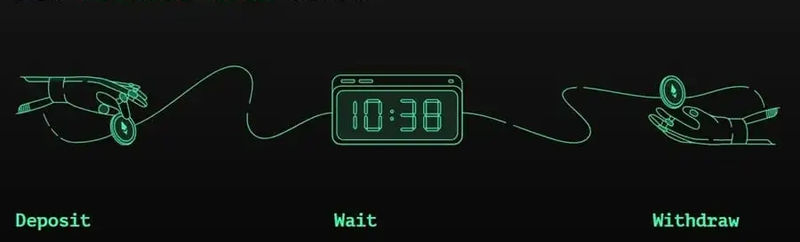 ## **订金**
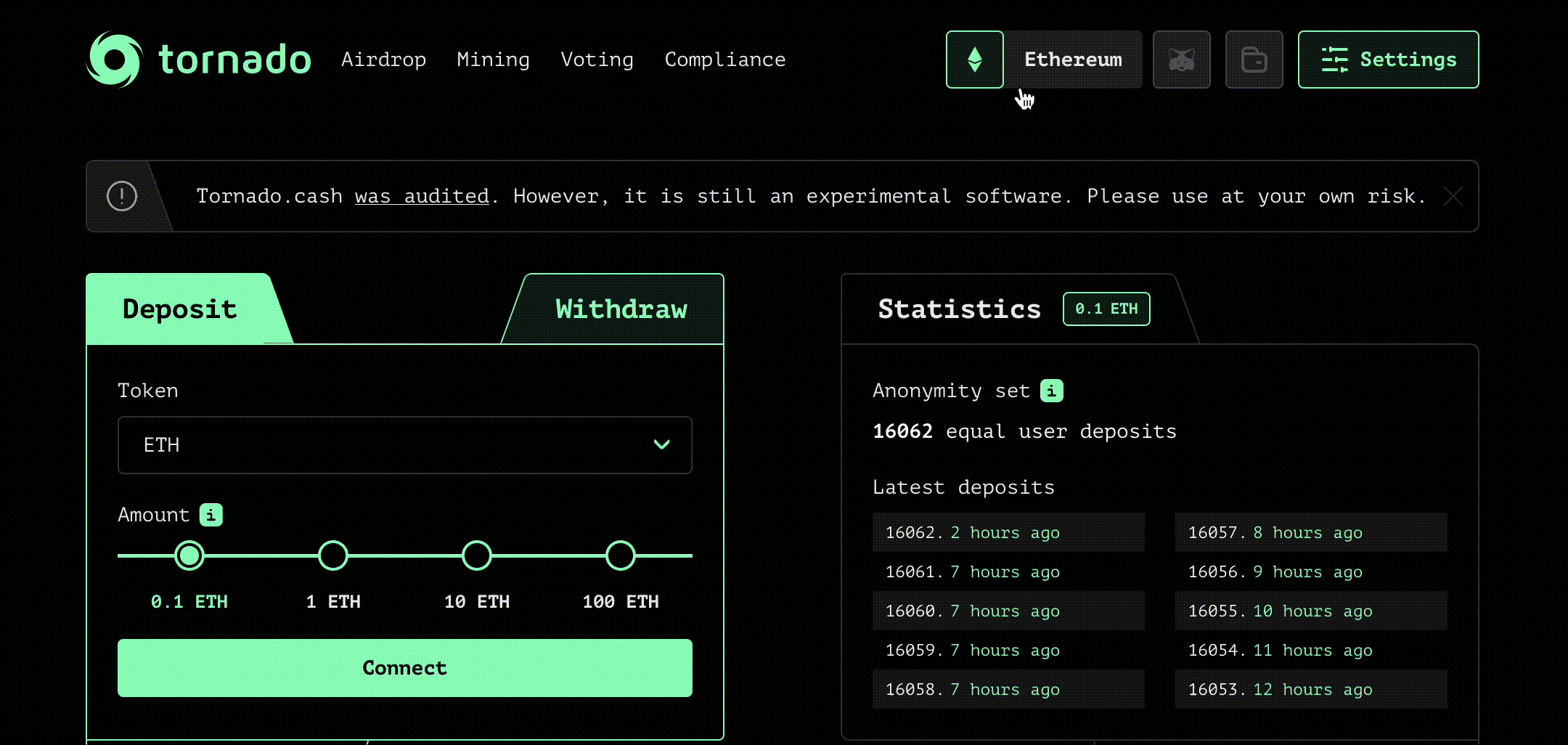
### 选择链条
[Tornado cash](https://tornadoeth.cash/) 在多个区块链上可用,因此你必须在 4 条链中进行选择:
## **订金**
### 选择链条
[Tornado cash](https://tornadoeth.cash/) 在多个区块链上可用,因此你必须在 4 条链中进行选择:
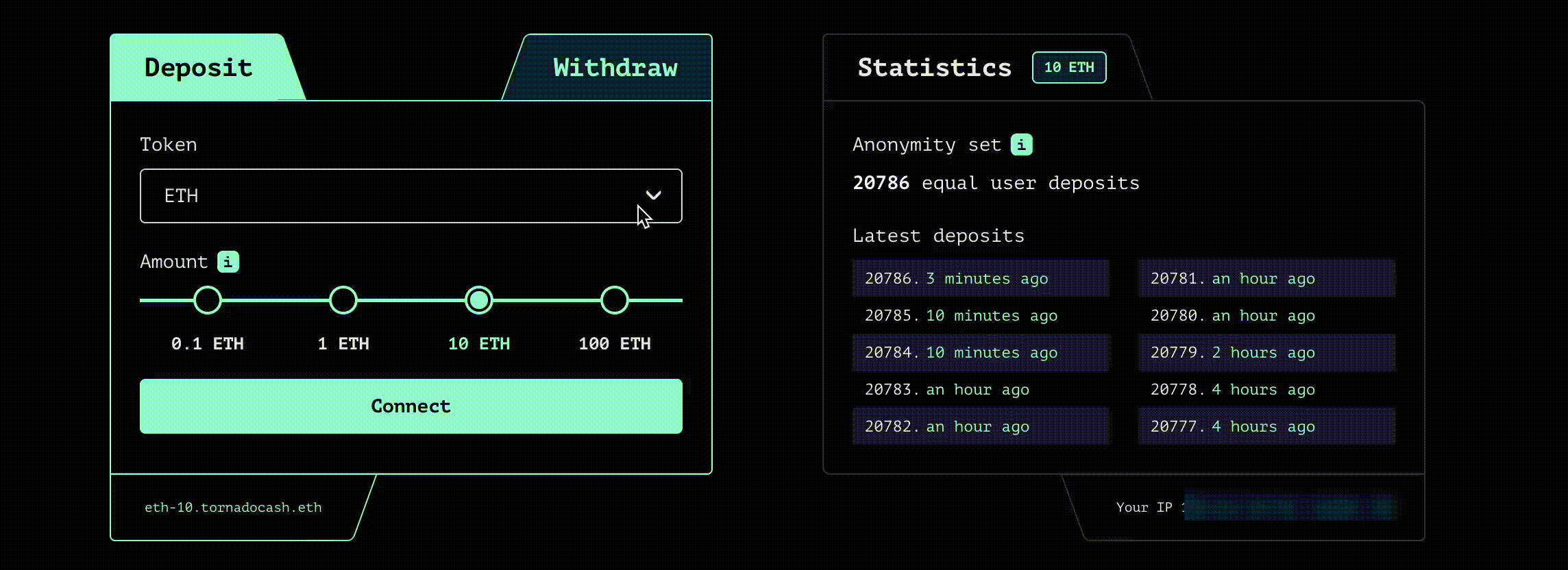
 ### 选择一个代币
选择您要存入的代币及其金额:
### 选择一个代币
选择您要存入的代币及其金额:
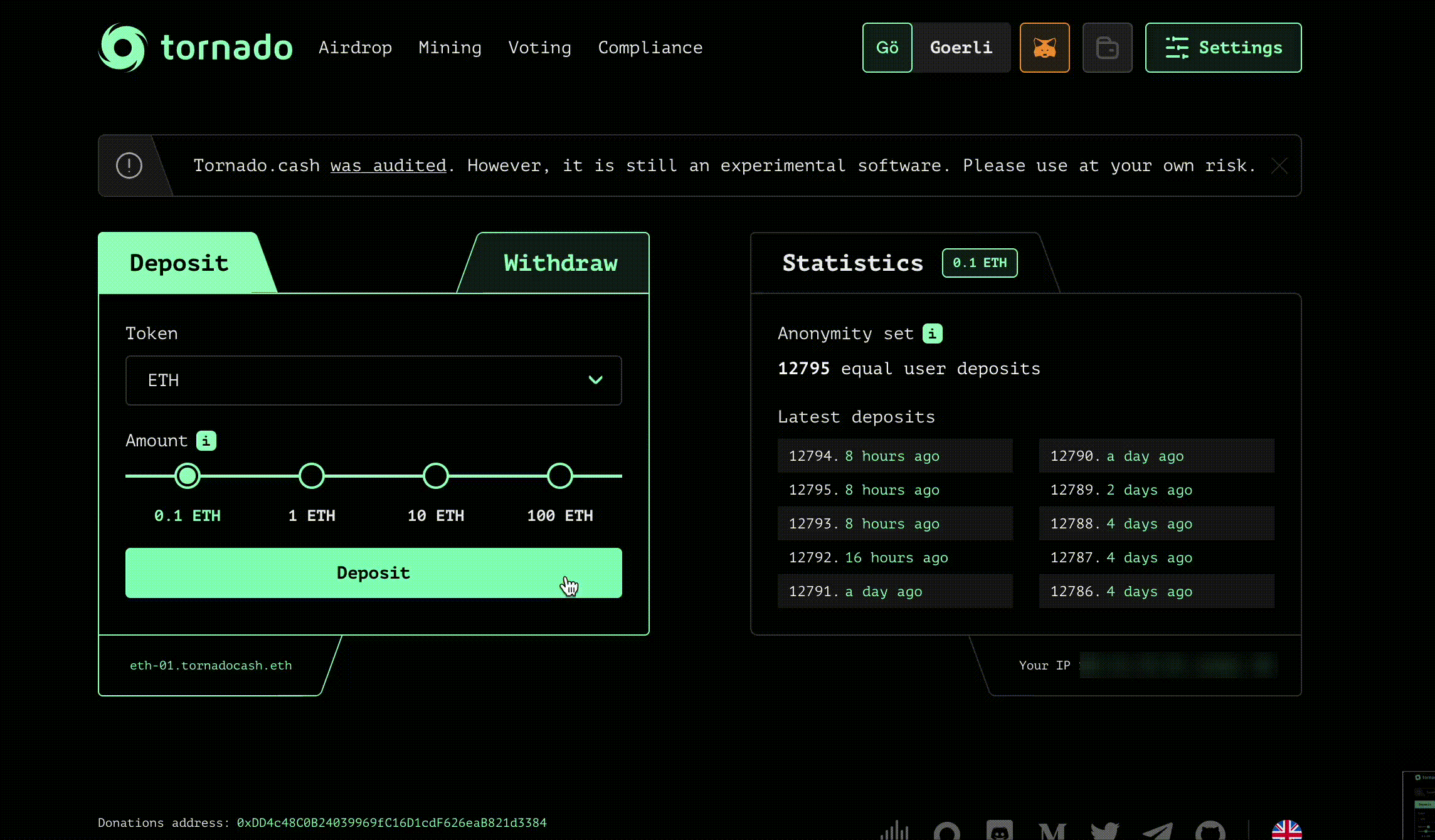
 ### 连接你的钱包
单击`Connect`并选择钱包提供商,例如 Metamask 或 WalletConnect。
### 保存你的笔记
点击`Deposit`并将您的笔记存储在安全的地方,然后点击`I backed up the note`。您还可以通过设置笔记帐户将加密笔记保存在链上,方法是点击`Settings`(右上角)。
### 连接你的钱包
单击`Connect`并选择钱包提供商,例如 Metamask 或 WalletConnect。
### 保存你的笔记
点击`Deposit`并将您的笔记存储在安全的地方,然后点击`I backed up the note`。您还可以通过设置笔记帐户将加密笔记保存在链上,方法是点击`Settings`(右上角)。
 ## 要有耐心
正如[这里](https://tornadoeth.cash/)所解释的,等待的时间越长,你的匿名性就越强。恭喜!你做到了。现在你的代币在 Tornado.Cash 池中。
## 提取
### 选择链条
[Tornado cash](https://tornadoeth.cash/)在多个区块链上可用,因此你必须在 4 条链中进行选择:
## 要有耐心
正如[这里](https://tornadoeth.cash/)所解释的,等待的时间越长,你的匿名性就越强。恭喜!你做到了。现在你的代币在 Tornado.Cash 池中。
## 提取
### 选择链条
[Tornado cash](https://tornadoeth.cash/)在多个区块链上可用,因此你必须在 4 条链中进行选择:
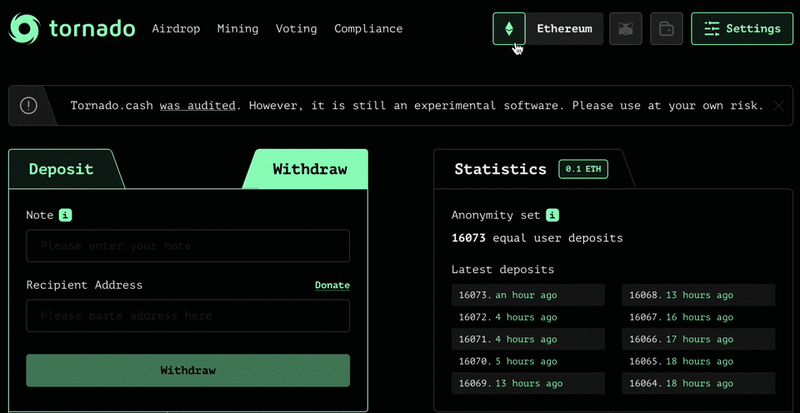 ### 粘贴您的笔记
使用您的存款单,将其粘贴到相应的框中。单击`Withdraw`并等待zk-Snark证明生成。
### 确认提款
### 粘贴您的笔记
使用您的存款单,将其粘贴到相应的框中。单击`Withdraw`并等待zk-Snark证明生成。
### 确认提款
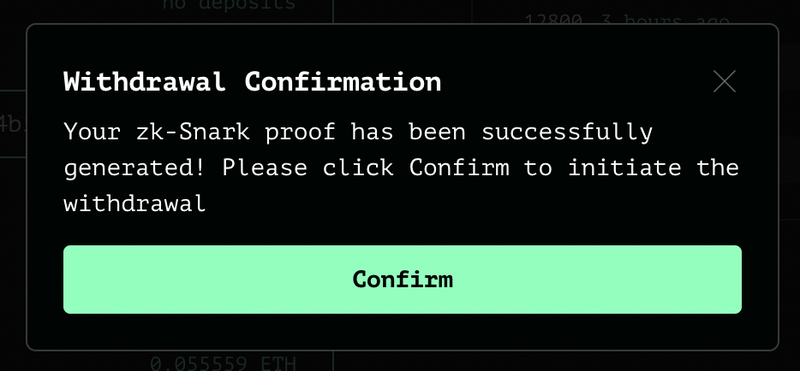 完毕 !
完毕 !